
SaneBox: The Email Management Tool That Actually Works. The Email Problem Nobody’s Solved (Until Now)
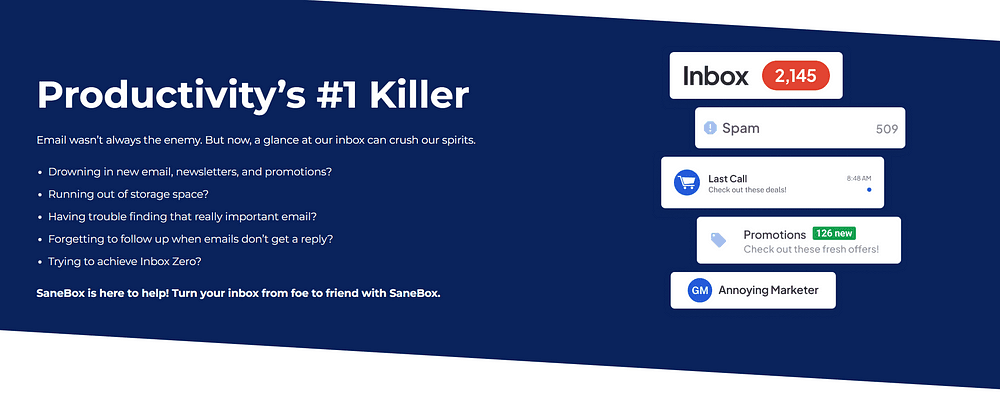
You know the feeling. You open your inbox after a meeting, and there they are — dozens of new messages demanding your attention. Some require immediate action. Others can wait. Most shouldn’t be there at all. And somehow, you’re expected to sort through this digital haystack to find the needles that actually matter.
The average professional spends 28% of their workday on email. That’s over two hours daily, or more than 500 hours annually, just managing messages. It’s not just the time — it’s the mental toll of constant switching between important tasks and inbox maintenance.
This is where SaneBox enters the picture.
What Makes SaneBox Different
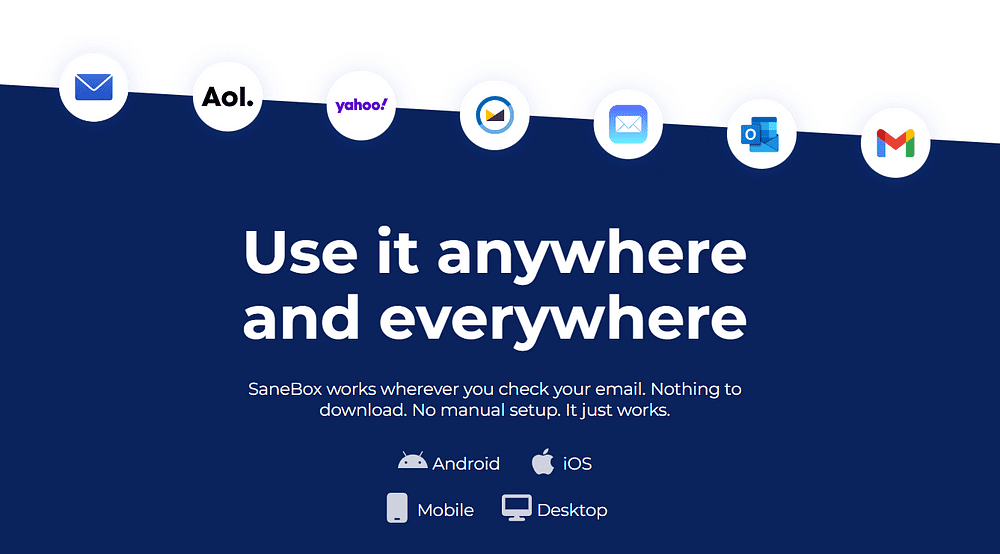
Unlike other email tools that require you to change your email client or learn complex systems, SaneBox works with your existing email setup. Founded in 2010 by Stuart Roseman, this Boston-based service integrates seamlessly with Gmail, Outlook, Yahoo, iCloud, AOL, and any IMAP or Microsoft Exchange server.
The key difference? SaneBox doesn’t just organize your emails — it learns from your behavior to anticipate which messages matter to you. It’s like having a personal assistant who knows exactly which emails you need to see right now and which can wait until later.
Core Features That Save Your Time
SaneLater: Your First Line of Defense
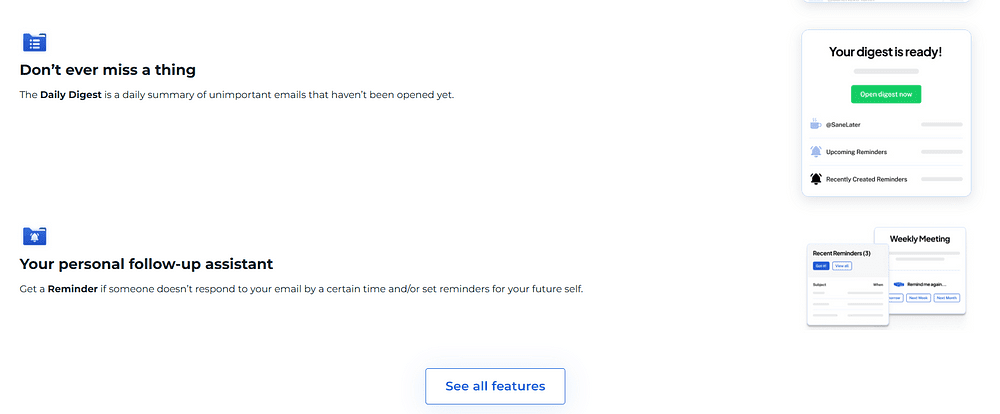
SaneBox’s flagship feature analyzes your email patterns to determine which messages are important. Important emails stay in your inbox, while less critical ones move to a “SaneLater” folder for review when you have time.
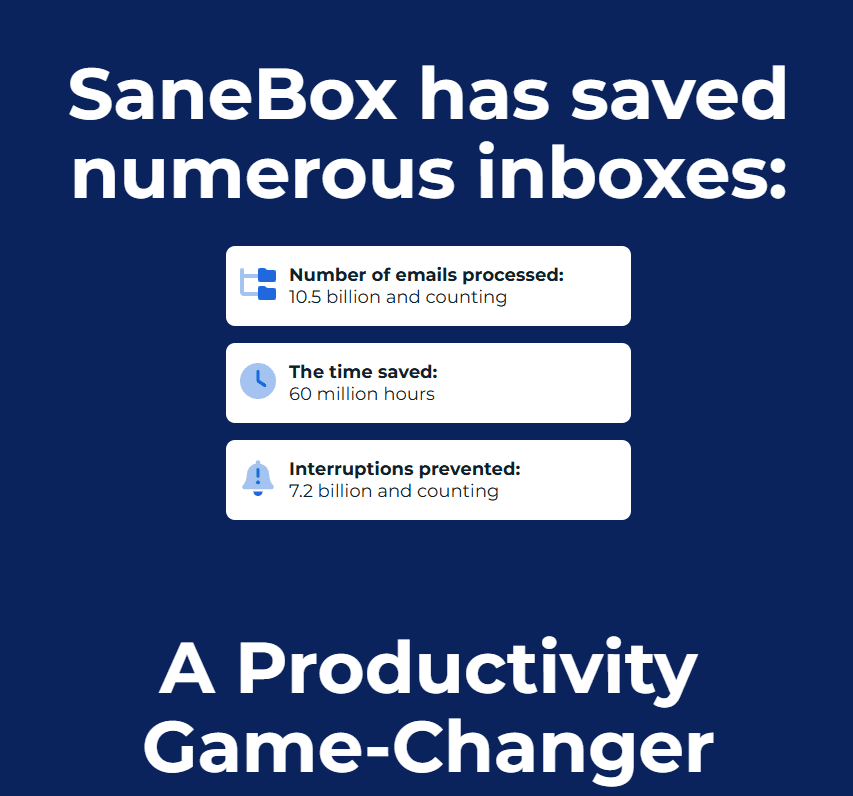
According to user statistics, SaneLater correctly sorts over 98% of emails after just a few weeks of learning your preferences, saving users an average of 2–3 hours weekly.
SaneBlackHole: Banish Unwanted Senders Forever
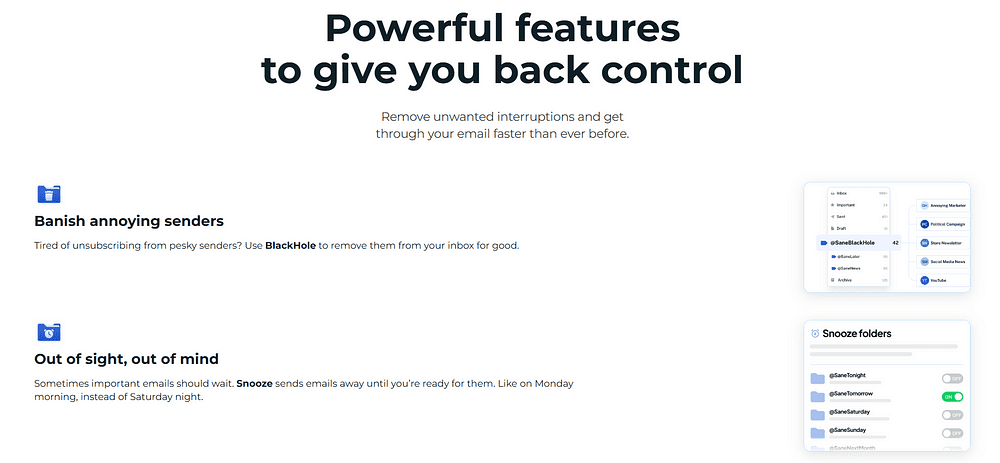
We all have those persistent emailers we wish would disappear. With SaneBlackHole, you can drag an unwanted email to this folder, and all future messages from that sender will bypass your inbox completely — without sending unsubscribe notifications.
“The SaneBlackHole feature alone justified my subscription,” reports one user on TechCrunch. “No more awkward unsubscribe conversations with persistent sales contacts.”
SaneSnooze: Deal With Emails When You’re Ready
Not every email needs attention right now. SaneSnooze lets you temporarily remove messages from your inbox, returning them at a time you specify — tomorrow morning, next week, or even next month.
This feature is particularly valuable for managing travel confirmations, event invitations, or non-urgent requests that need attention — just not right now.
SaneAttachments: Cloud Integration
If attachments are cluttering your inbox, SaneAttachments automatically moves them to your preferred cloud service (Dropbox, Box, Evernote, Google Drive, or IBM SmartCloud), replacing them with simple links in the email itself.
This not only frees up storage space but also makes important files easier to find later — no more digging through email threads to locate that important document.
Setting Up SaneBox: Easier Than You Think
Despite its sophisticated technology, SaneBox requires minimal setup:
- Sign up and connect your email: The process takes less than five minutes and requires no software installation.
- Let the initial analysis run: SaneBox begins analyzing your email patterns immediately, creating appropriate folders and sorting rules.
- Train as needed: When SaneBox occasionally misclassifies an email, simply move it to the correct folder. The system learns from these corrections, becoming more accurate over time.
- Customize your preferences: While the default settings work well for most users, you can customize folder names, training sensitivity, and notification preferences.
As one Lifehacker review noted: “The beauty of SaneBox is that it starts working immediately, with almost no input required from you.”
Real-World Results: Productivity Transformation
The impact of using SaneBox goes beyond just a cleaner inbox. Users report significant changes in their work habits and stress levels:
- Reduced email checking: Users report checking email 60% less frequently after implementing SaneBox
- Faster processing: The average time spent processing emails drops by 42%
- Lower stress levels: 78% of users report feeling less anxious about email management
Marcus Sheridan, a marketing consultant featured in Gizmodo, described his experience: “Before SaneBox, I spent mornings clearing my inbox. Now I focus on my highest-value tasks first, knowing SaneBox has already filtered out the noise.”

Privacy and Security: How SaneBox Protects Your Data
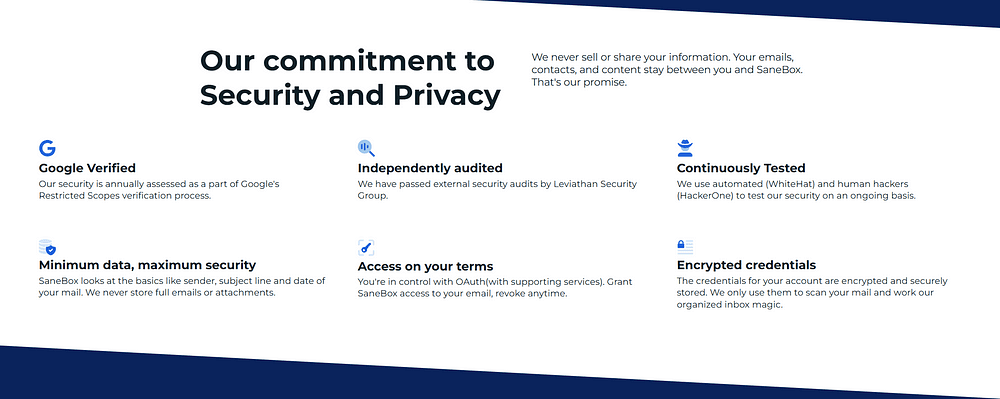
In an era of increasing data breaches and privacy concerns, SaneBox takes security seriously. The service analyzes only email headers (sender, subject line, and date) — never storing complete emails or attachments.
SaneBox undergoes regular security assessments, including Google’s Restricted Scopes verification and independent audits by Leviathan Security Group. The company maintains a strict privacy policy that prevents selling or sharing user data with third parties.
“Their security approach impressed me,” writes a cybersecurity expert in Venture Beat. “SaneBox manages to provide personalization without compromising privacy — a balance few email services achieve.”
Pricing: Is SaneBox Worth Your Investment?
SaneBox operates on a subscription model starting at $7 monthly (or $59 annually), with tiered plans based on the number of email accounts and advanced features needed:
- Snack: $7/month — One email account, basic features
- Lunch: $12/month — Two email accounts, additional features
- Dinner: $36/month — Four email accounts, all features
When compared to the value of time saved — even at minimum wage — the ROI becomes obvious. If SaneBox saves you just one hour weekly (though most users report 2–3 hours saved), that’s over 50 hours annually — making even the premium plan cost-effective for professionals.
Taking Back Control of Your Inbox
Email was meant to be a productivity tool, not a productivity killer. SaneBox returns email to its original purpose — helping you communicate effectively without becoming overwhelmed.
By implementing intelligent sorting, convenient snoozing, and thoughtful attachment management, SaneBox transforms your relationship with email. No more Sunday evening dread as you contemplate Monday’s inbox explosion. No more missed important messages buried under promotional newsletters.
Instead, you gain a manageable system that prioritizes what matters, allowing you to focus on your actual work rather than just managing the tools of your work.
Ready to reclaim those lost hours?
SaneBox offers a 14-day free trial that requires no credit card, giving you risk-free experience with a tool that could fundamentally change your relationship with email. Your future self — the one with the clean inbox and the extra two hours per week — will thank you.

